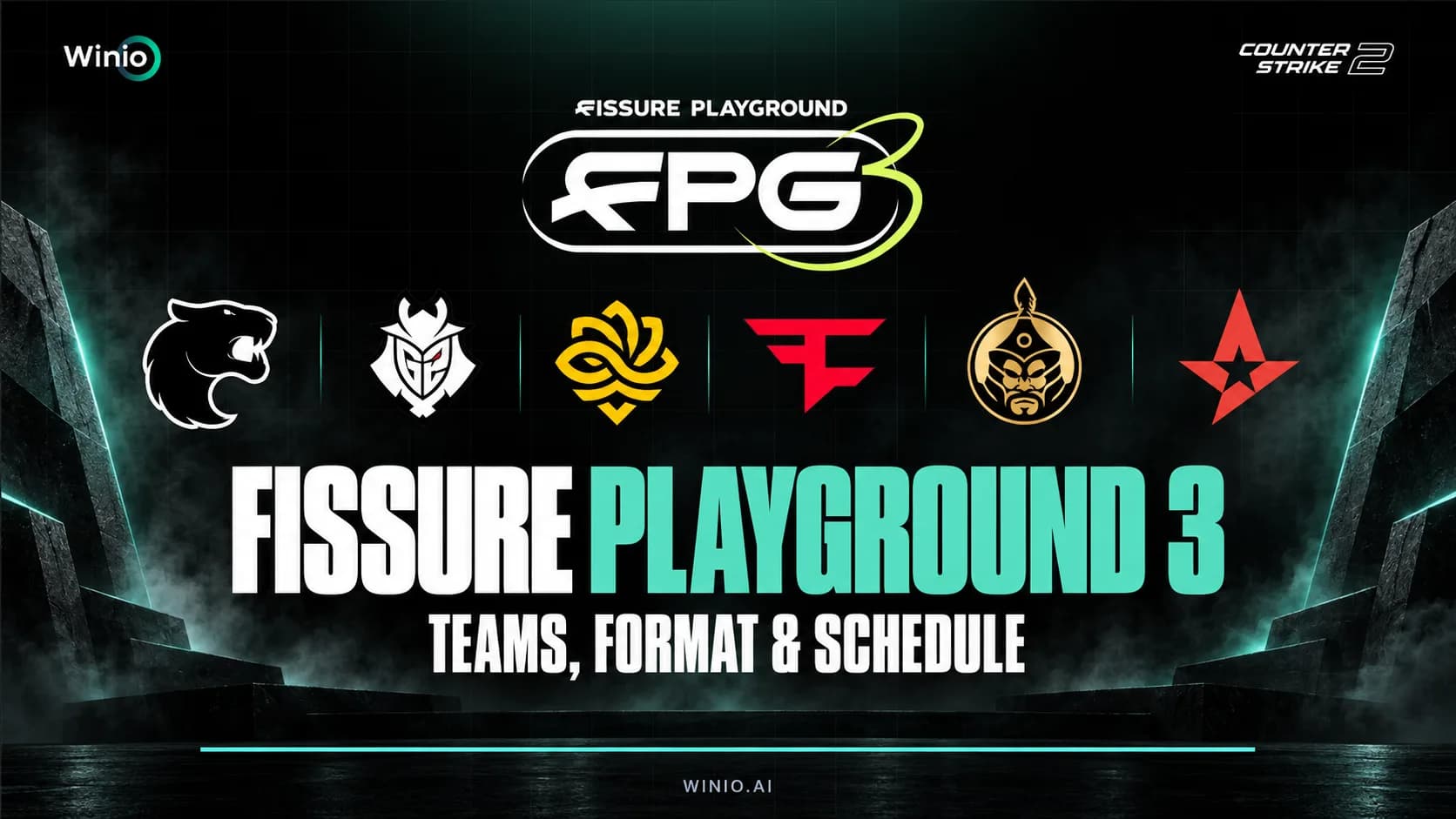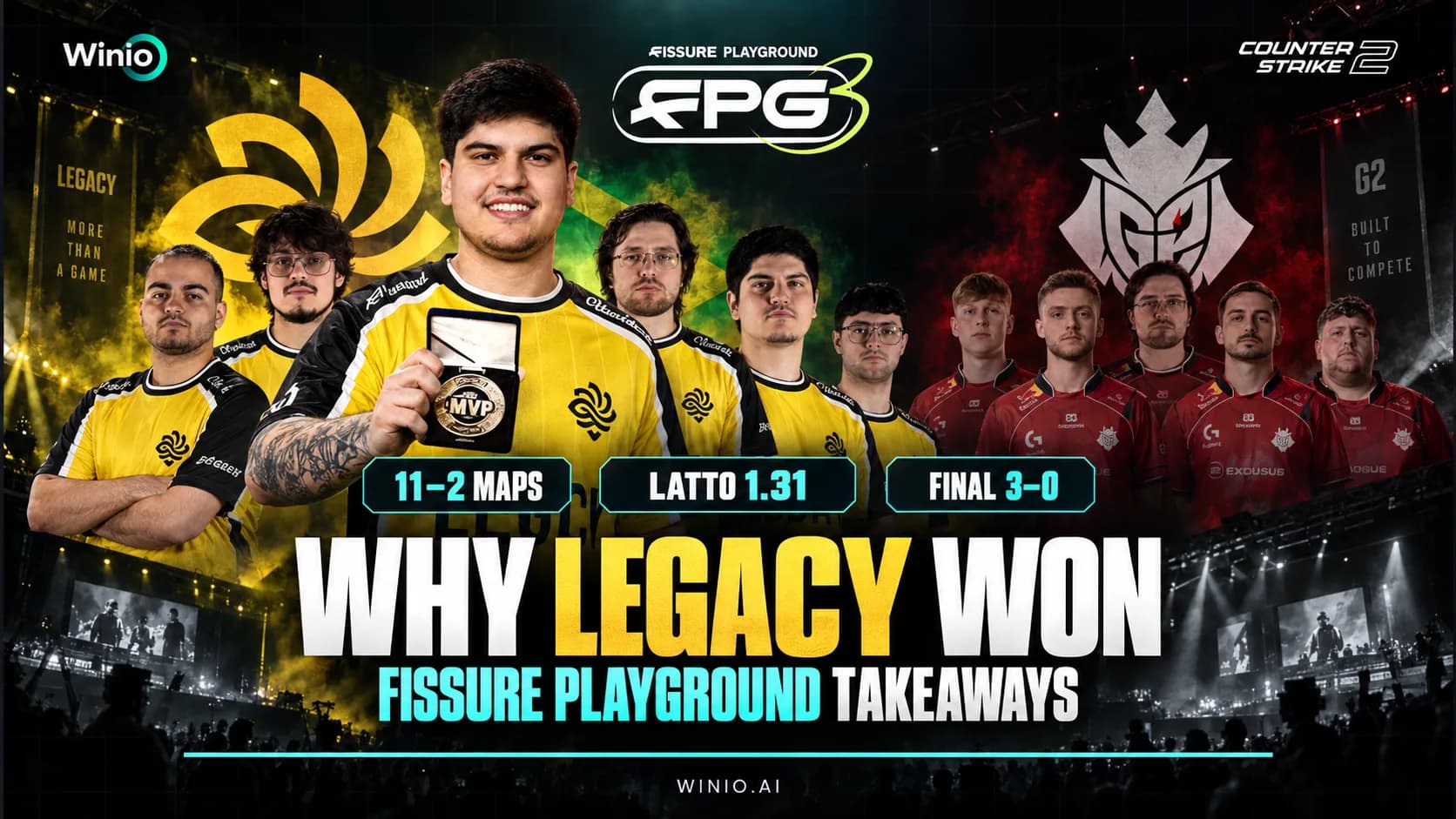
FISSURE Playground #3 Analysis: Legacy, G2 and Key Lessons
Why Legacy dominated FISSURE Playground #3, where G2 failed in the final, how 5star surprised the favorites and what the results mean for CS2.
September 17, 202609:26 AM10 min


Maps in Counter-Strike 2 define how every round plays out. Your positioning, rotations, grenade usage, and even weapon choice depend on how well you understand each map.
Compared to Counter-Strike: Global Offensive, the new version feels more responsive and easier to read. Thanks to the Source 2 engine, lighting is clearer, visibility is improved, and smoke grenades behave differently.
This guide covers all cs2 maps, including the current cs2 map pool, reserve maps, and alternative game modes. You’ll also learn key positions, map flow, and practical tips that actually help in real matches.
The cs2 map pool is the core of competitive play. These maps are used in matchmaking and professional tournaments, so learning them is essential.
Current active duty maps:
| Map | Key Focus | What to Learn First |
|---|---|---|
| Ancient | Map control | Mid + rotations |
| Anubis | Aim duels | Entry paths |
| Dust II | Simplicity | Mid + long control |
| Inferno | Utility | Banana control |
| Mirage | Flexibility | Mid control |
| Nuke | Verticality | Rotations + outside |
| Overpass | Positioning | Info control |
Different cs2 maps naturally push players into specific roles. Understanding this can help you perform better even without changing your aim or mechanics.
Gamers Club Liga Serie A: September 2026
Tomorrow 00:00
 ALKAMETANOIA Wolves
Prediction: ALKA
Exort Series #33
Today 15:30
 VP.Future 3TSA White
On structured maps like Inferno or Nuke, teams rely heavily on defined roles such as entry fragger, support, and anchor. Each player is responsible for holding or taking specific areas, and mistakes are often punished immediately.
On more open maps like Dust II or Anubis, individual decision-making becomes more important. Players have more freedom to take duels and create openings without strict structure.
Understanding your role depending on the map helps you:
The map pool cs2 directly shapes the meta. Some maps favor aim-heavy play (like Dust 2), while others require strong coordination (like Nuke or Inferno).
Understanding the differences between counter strike maps helps you:

Ancient focuses on map control and rotations.

Anubis is one of the most aggressive maps in the cs2 maps lineup.

Dust II is still the most recognizable map among all csgo maps and cs2 maps.

Inferno is one of the most tactical maps in the cs2 map pool.

Mirage is the most balanced map in the cs2 map pool.

Nuke is the most complex of all cs2 maps.

Overpass rewards map control and positioning.
Even experienced players often lose rounds due to simple map-related mistakes.
One of the most common issues is over-rotating. On maps like Overpass or Ancient, rotations take time, and leaving a site too early can cost the round.
Another mistake is ignoring map control. For example, giving up mid on Mirage or Dust II allows the enemy team to split sites easily.
Players also tend to:
Fixing these habits often improves performance faster than mechanical training.
One of the biggest gameplay changes in CS2 maps is the new smoke system.
This mechanic adds a new layer to how counter strike maps are played.
Utility plays a different role depending on the map you are playing.
On maps like Inferno, grenades are essential for taking control of key areas like Banana. Without proper utility usage, it becomes almost impossible to execute safely.
On maps such as Dust II, utility is still useful but not always required at lower levels, since the map relies more on aim and positioning.
Meanwhile, maps like Nuke require very specific utility usage for smokes and rotations, especially when controlling outside or executing onto sites.
Learning how utility works on each map helps you:
The reserve map pool cs2 includes maps that are not always in the active rotation but may return in future updates.
Examples include:
Keeping familiarity with these maps can be useful, especially if the pool changes.
Some cs2 maps are designed primarily for casual or alternative modes:
These maps focus more on close-range fights and less structured gameplay compared to competitive maps.
Wingman offers 2v2 matches on smaller layouts, often based on existing maps or simplified versions.
Arms Race is a fast-paced mode designed to improve mechanics and weapon familiarity.
These maps are typically small and focused on constant combat, often including classic or community-inspired layouts.
Custom maps are available through the Steam Workshop.
They are essential if you want structured improvement.
Start with:
Focus on:
Learn:
Watch demos to understand mistakes and improve positioning.
If you follow CS2 matches, tools like Winio can help you better understand how games play out across different maps.
It uses data and AI to analyze team performance and map trends, offering a clearer view of match dynamics.
Map knowledge is one of the most underrated factors in ranking up in CS2.
Players often focus only on aim, but understanding cs2 maps gives you a consistent advantage. Knowing common angles, timings, and rotations allows you to make better decisions even in difficult situations.
For example:
Unlike aim, which can be inconsistent, map knowledge improves steadily over time and applies to every match.
This is why experienced players often outperform mechanically stronger opponents — they simply understand the map better.
CS2 maps define the pace and strategy of every match. Each map has its own logic, flow, and priorities.
Understanding the cs2 map pool, learning key callouts, and adapting your playstyle will significantly improve your performance. Strong map knowledge is one of the fastest ways to climb in Counter-Strike 2.
VP.Future 3
TSA White

Nexus

Bushido Wildcats

Leo

G2 Ares

95 Vikings

Karolinerna
WW

Phantom Academy

Lavked

NAVI Junior

drosselfamily

gold beasts
ALKA
METANOIA Wolves
Prediction: ALKA wins
VP.Future 3
TSA White
Nexus
Bushido Wildcats
Leo
G2 Ares
95 Vikings
Karolinerna
WW
Phantom Academy
Lavked
NAVI Junior
drosselfamily
gold beasts
ALKA
METANOIA Wolves
Prediction: ALKA wins
VP.Future 3
TSA White
Nexus
Bushido Wildcats
Leo
G2 Ares
95 Vikings
Karolinerna
WW
Phantom Academy
Lavked
NAVI Junior
drosselfamily
gold beasts
ALKA
METANOIA Wolves
Prediction: ALKA wins