CS2 Pets Guide: How to Get and Hatch a Chicken Egg
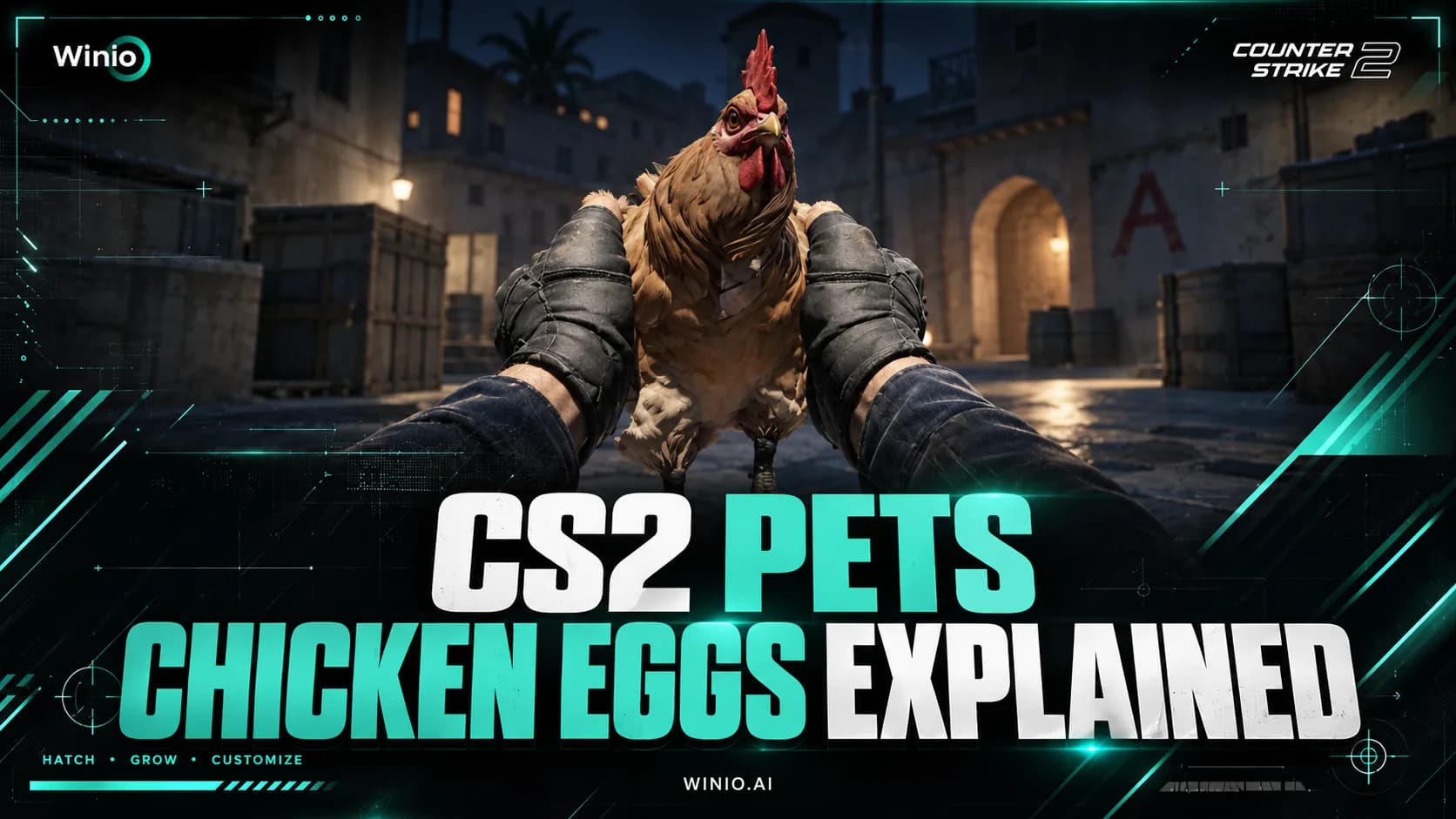
Learn how to get a Chicken Egg in CS2, how pets hatch and grow, all discovered chicken breeds, Pet Book features and current drop details.
October 1, 202607:54 AM10 min


Counter-strafing is one of the first movement skills new CS2 players should learn. It helps you stop faster, shoot more accurately, and avoid the common mistake of firing while your character is still moving.
The idea is simple: when you move in one direction, briefly tap the opposite movement key to cancel your momentum. Once your movement stops, your first bullets become accurate again.
In CS2, your accuracy drops while moving. If you hold A or D and shoot before stopping, your bullets will not land reliably, even if your crosshair is on the enemy. Counter-strafing is the technique of stopping your movement quickly before shooting.
For example, if you are moving left with A, you briefly tap D to stop. If you are moving right with D, you briefly tap A. You are not trying to move in the opposite direction for a long time. You are only tapping the opposite key long enough to cancel your movement.
The goal is to build a rhythm: move, stop, shoot. Good counter-strafing makes your peeks cleaner because you are not sliding while firing.
DraculaN Season 7
19.10 12:00
 aimclubBASEMENT BOYS
Prediction: aimclub
ESL Challenger League Season 52: SA - Cup #3
LIVE
 LPGalorys
The basic input is very simple. Move in one direction, release that key, tap the opposite key, then shoot once your movement stops. At first, do it slowly so you understand the timing. Speed comes later.
For example:
Or:
The most important part is not the key sequence itself. It is learning not to shoot too early. If you fire before your movement has stopped, your first bullet may be inaccurate.
Most counter-strafing in CS2 happens with A and D because players usually peek left and right around angles. This is the movement pattern you should practice first.
A basic left-right drill looks like this:
This trains the most important habit: your shot should come after the stop, not during the movement. Once this feels natural, you can practice the same movement with short bursts instead of single taps.
Forward and backward counter-strafing works the same way, but it is less central than A/D movement. If you move forward with W, you can tap S to stop. If you move backward with S, you can tap W to stop.
That said, most fights should not be taken while running directly forward or backward. Side-to-side movement is usually safer because it lets you peek angles, avoid predictable movement, and expose less of your model.
When peeking an angle, you should always peek with A or D only, moving at 90 degrees to your potential opponent's sightline. This makes you move much faster on their screen and more difficult to hit for them.
The easiest way to check your counter-strafe is to shoot at a wall. If your bullet lands where your crosshair is, your timing is probably correct. If the bullet lands away from the crosshair, you are likely shooting too early or still moving.
You can also test this with a rifle. Move left, counter-strafe, and fire one bullet at a wall. Then move right, counter-strafe, and fire again. The bullet holes should be accurate and consistent.
If your shots feel random, slow down the drill. Counter-strafing is not about mashing keys quickly. It is about clean timing.
Start with single bullets. Pick a wall, move left and right, counter-strafe, and shoot one bullet each time. Do not spray at first. Single bullets make it easier to see whether your movement timing is correct.
Once single bullets feel consistent, move to bots. Strafe left and right, stop, and shoot the bot in the head. After that, practice in Deathmatch where enemies move unpredictably and you have to counter-strafe under pressure.
A simple practice routine:
The goal is to make counter-strafing automatic. You should not have to think “release A, tap D, shoot” forever. Eventually, it should become part of how you aim.
Counter-strafing matters because CS2 rewards accurate first bullets. If you stop properly before shooting, your rifles become much more reliable. If you shoot while moving, even good crosshair placement can fail.
This is especially important when peeking. A clean peek is not just about seeing the enemy first. You also need to stop and shoot accurately before they punish you. Counter-strafing makes that timing sharper.
It also helps with discipline. Instead of panicking and shooting while sliding, you learn to stop, aim, and fire. That habit makes your aim feel more controlled.
New players often ask why they need to counter-strafe at all. Why not just release the movement key and wait for the player model to stop?
The reason is speed and control. Simply releasing the key slows you down, but counter-strafing helps cancel your movement more actively. That means you can reach accurate shooting speed faster and make your peeks cleaner.
The difference may feel small at first, but it matters in fights where both players react quickly. If one player stops and fires accurately faster, they usually have the advantage.
The most common mistake is shooting too early. New players often understand the idea but fire before their movement has fully stopped. If your first bullet is inaccurate, slow down and focus on timing.
Another mistake is holding the opposite key too long. Counter-strafing is a tap, not a full movement change. If you hold the opposite key, you may start moving the other way and ruin your shot again.
The last most common mistake is peeking angles moving diagonally with A+W or D+S for example. Not only does this make counter-strafing much harder, it also makes you easier to hit for the opponent as you are moving slower on their screen than if you peeked at 90 degrees with only A or D.
Counter-strafing in CS2 is the habit of tapping the opposite movement key to stop quickly before shooting. It is one of the simplest mechanics in the game, but it has a huge effect on accuracy.
Start with A/D counter-strafing, practice single bullets first, then move to bots and Deathmatch. Once the timing becomes automatic, your peeks, rifle fights, and first-bullet accuracy will feel much more reliable.
LP
Galorys

NEXVOID

Mindfreak

Chicken Coop

Overtake Sector

BRUTE

mellren

Lilmix

Revise

Bushido Wildcats

6666

WBT

EAC
Prediction: WBT wins

Aurora

Ninjas in Pyjamas
LP
Galorys
NEXVOID
Mindfreak
Chicken Coop
Overtake Sector
BRUTE
mellren
Lilmix
Revise
Bushido Wildcats
6666
WBT
EAC
Prediction: WBT wins
Aurora
Ninjas in Pyjamas
LP
Galorys
NEXVOID
Mindfreak
Chicken Coop
Overtake Sector
BRUTE
mellren
Lilmix
Revise
Bushido Wildcats
6666
WBT
EAC
Prediction: WBT wins
Aurora
Ninjas in Pyjamas