


BLAST Open Porto 2026 Results: Spirit Win the Title
Spirit beat MOUZ 3:1 to win BLAST Open Porto 2026 after an 11:1 map run. Full results, donk’s MVP numbers and key tournament takeaways.
September 8, 202607:06 AM10 min


Counter-Strike 2 offers a powerful developer console that allows players to customize training sessions, explore maps, and review gameplay in ways that are impossible during regular matches. Among the most searched topics are CS2 wallhack commands, often associated with seeing player positions through walls.
However, there is an important distinction to make. In CS2, wallhack-style functionality can be accessed only through cheat-protected console commands in controlled environments such as local servers, practice lobbies, and demo reviews. These tools are intended for learning and analysis – not for gaining an unfair advantage in competitive play.
Understanding how these commands work can help players study positioning, utility usage, map control, rotations, and common angles. For analysts and viewers, they can also provide valuable insight into how professional teams approach rounds.
This guide explains the most important wallhack commands CS2 users search for, when they can be used, and why they are useful for practice and tactical learning.
NODWIN Clutch Series #12
Tomorrow 11:00
 SPARTABAKS
Prediction: SPARTA
NODWIN Clutch Series #12
Today 11:00
 BRUTEG2 Ares
The term "wallhack" usually refers to the ability to see players through walls and other map geometry.
In competitive gaming, third-party wallhack software is considered cheating and violates game rules. However, CS2 also includes built-in developer tools that allow similar visual information for educational purposes.
These console commands are primarily used for:
When people search for wallhack commands CS2, they are often referring to Valve's built-in x-ray style tools rather than external cheats.
The key difference is that official console commands require specific permissions and are designed for controlled environments.
The answer depends entirely on where and how they are used.
Valve allows cheat-protected commands on:
They are not intended for:
Many of these commands require: sv_cheats 1
Because of this requirement, they cannot be used in official competitive matches.
When discussing wallhack commands cs2 sv_cheats, it is important to understand that the commands exist primarily as training tools.
Using third-party wallhack software remains against the rules and can result in penalties.
Before using practice commands, players need access to the developer console.
Follow these steps:
Once enabled, the console can be used to enter training and practice commands.
Many advanced learning tools in CS2 are accessed through the console, including grenade practice, bot control, and visibility commands.
The command most commonly associated with a CS2 wallhack-style view is: sv_cheats 1
followed by: sv_showimpacts
or other training-oriented visualization commands.
Historically, players have also used: r_drawothermodels
for educational purposes in certain Counter-Strike versions.
However, command behavior can change between updates, and some commands may be restricted, modified, or unavailable in current builds of CS2.
The important concept is not the specific command itself but the purpose behind it:
These tools should only be used on local servers and practice environments.
Demo review is one of the most valuable uses of x-ray-style functionality.
When reviewing a match, players often want to understand:
The spectator and demo systems provide visibility options that allow viewers to see information unavailable to players during the match itself.
This creates an educational environment where strategic decisions become easier to understand.
Many professional analysts rely on x-ray perspectives because they reveal:
When users search for a CS2 demo x-ray command, they are usually looking for tools that make these hidden aspects visible during replay analysis.
There are several legitimate use cases.
Understanding angles is easier when player models can be viewed through geometry during practice.
Many players struggle because they do not know where opponents typically stand.
X-ray-style practice helps reveal:
Smoke and flash lineups become easier to understand when players can observe positioning from multiple perspectives.
Coaches and team leaders often use visibility tools during scrims to explain mistakes and improve coordination.
Reviewing previous matches remains one of the most productive uses of these commands.
There are also situations where these tools should never be used.
Practice commands do not belong in competitive environments.
Premier is designed around fair play and equal information.
League matches, tournaments, and organized competition prohibit any form of unauthorized information.
The goal of practice commands is education – not gaining an advantage against unsuspecting opponents.
Responsible use helps preserve competitive integrity.

One of the biggest benefits of cs2 console commands wallhack functionality is map education.
Players often struggle to understand:
By viewing the map from different perspectives, these concepts become much easier to learn.
For example, a player may discover:
The result is a deeper understanding of the game rather than simple memorization.
This distinction is critical.
Practice commands:
Cheating software:
Many players confuse the two because both involve seeing information through walls.
The difference lies in context, permission, and intent.
Using developer tools for education is fundamentally different from using external software to cheat.
Many users encounter issues when trying practice commands.
Most visibility commands require: sv_cheats 1 on a local server.
Official servers do not allow cheat-protected commands.
Valve occasionally modifies console functionality.
Commands that worked in previous versions may behave differently after updates.
Some commands only work in:
Trying them elsewhere may produce errors.
Certain custom servers restrict console access entirely.
Professional analysts rarely focus only on kills.
Instead, they study:
X-ray views help reveal these hidden layers.
For example, a team may appear to lose a round because of poor aim.
A deeper analysis might show:
This is where analytical platforms become valuable.
Tools such as Winio emphasize understanding how rounds develop rather than simply looking at scoreboards. The platform analyzes professional matches based on multiple factors. You can also get five free forecasts right now.
The goal is not to become dependent on seeing through walls.
The goal is to learn what happens when that information is unavailable.
Many players focus only on positions while forgetting timing windows.
Map movement is often more important than static positioning.
Reviewing real matches usually provides more educational value than endless practice sessions.
Practice tools exist to improve understanding, not to simulate perfect competitive conditions.
CS2 includes a variety of developer tools that help players understand maps, positioning, and tactical decisions. While many users search for wallhack commands CS2, the reality is that these features are designed primarily for practice environments, private servers, and demo analysis.
Used responsibly, x-ray-style commands can help players:
What they should never be used for is gaining an unfair advantage in live competitive matches.
The real value of these tools lies in education and analysis. The better you understand positioning, rotations, and map control, the better you can interpret what happens inside a round.
BRUTE
G2 Ares

Gatorian

Eternal Fire Academy

Team des0ut

Team Perfecto

Black Phoenix

Just Players

ASTRAL

Rune Eaters

BET-M

Leo

Team Aunkere

Team Chopper

Phantom
G2 Ares
BRUTE
G2 Ares
Gatorian
Eternal Fire Academy
Team des0ut
Team Perfecto
Black Phoenix
Just Players
ASTRAL
Rune Eaters
BET-M
Leo
Team Aunkere
Team Chopper
Phantom
G2 Ares
BRUTE
G2 Ares
Gatorian
Eternal Fire Academy
Team des0ut
Team Perfecto
Black Phoenix
Just Players
ASTRAL
Rune Eaters
BET-M
Leo
Team Aunkere
Team Chopper
Phantom
G2 Ares

Spirit beat MOUZ 3:1 to win BLAST Open Porto 2026 after an 11:1 map run. Full results, donk’s MVP numbers and key tournament takeaways.
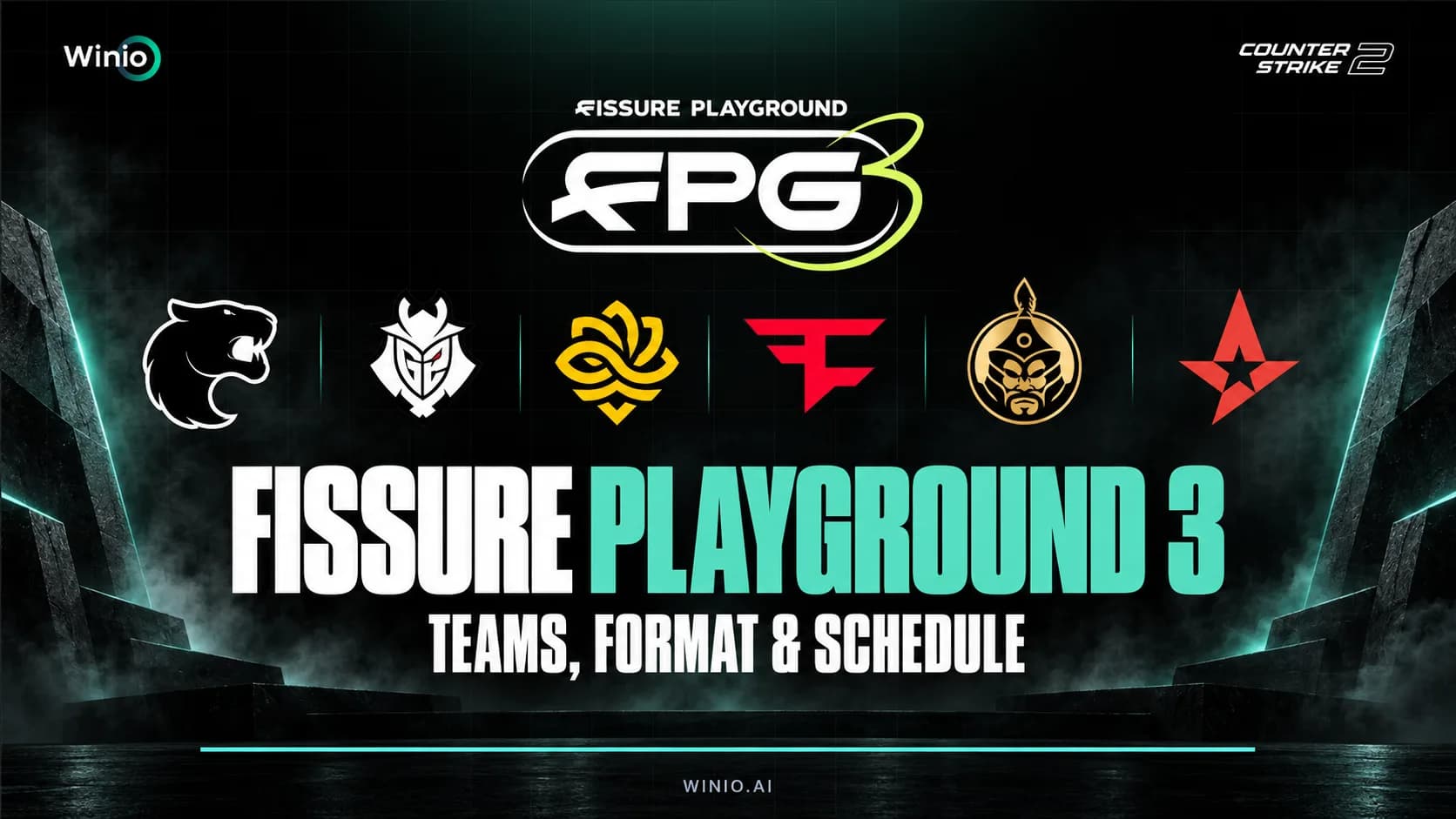
Preview of FISSURE Playground 3 CS2 with dates, teams, tournament format, favorites, prize pool and the complete opening-day schedule for September 8.
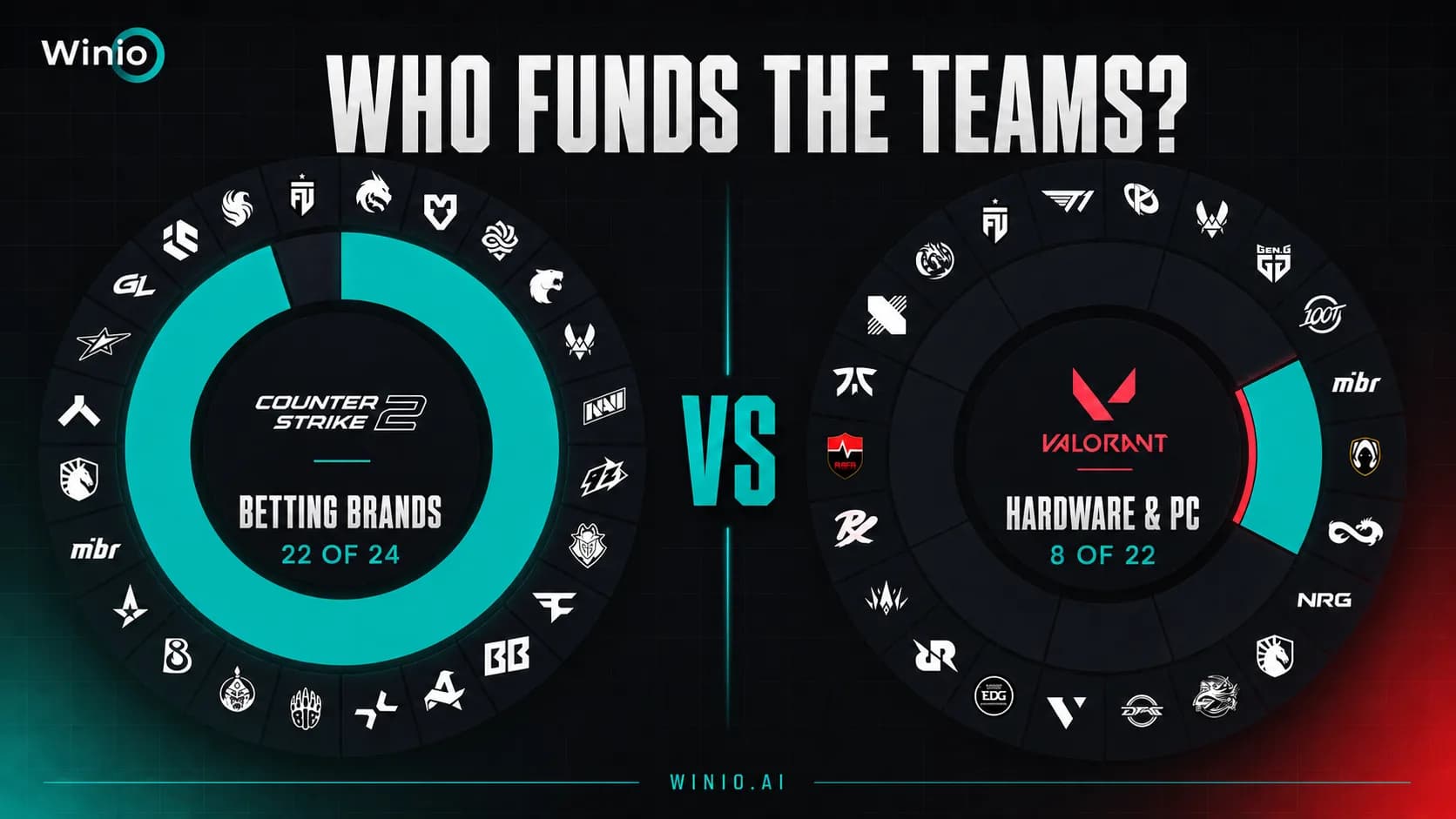
Compare esports sponsorships in CS2 and VALORANT. See why betting brands dominate CS2 while hardware companies lead the VALORANT market.
A ranking of the most reliable CS2 teams in BO3 series over the past two months. The analysis considers series win rate, map pool depth, first-map conversion, comeback ability and decider performance.

A data-driven review of EWC 2026 CS2, including Spirit’s title, FUT’s breakout, Legacy’s upsets and 87% prediction accuracy from Winio.

BLAST Open Porto 2026 runs from August 26 to September 6. See the CS2 schedule, groups, format, prize pool, map pool and Winio Power Ranking.
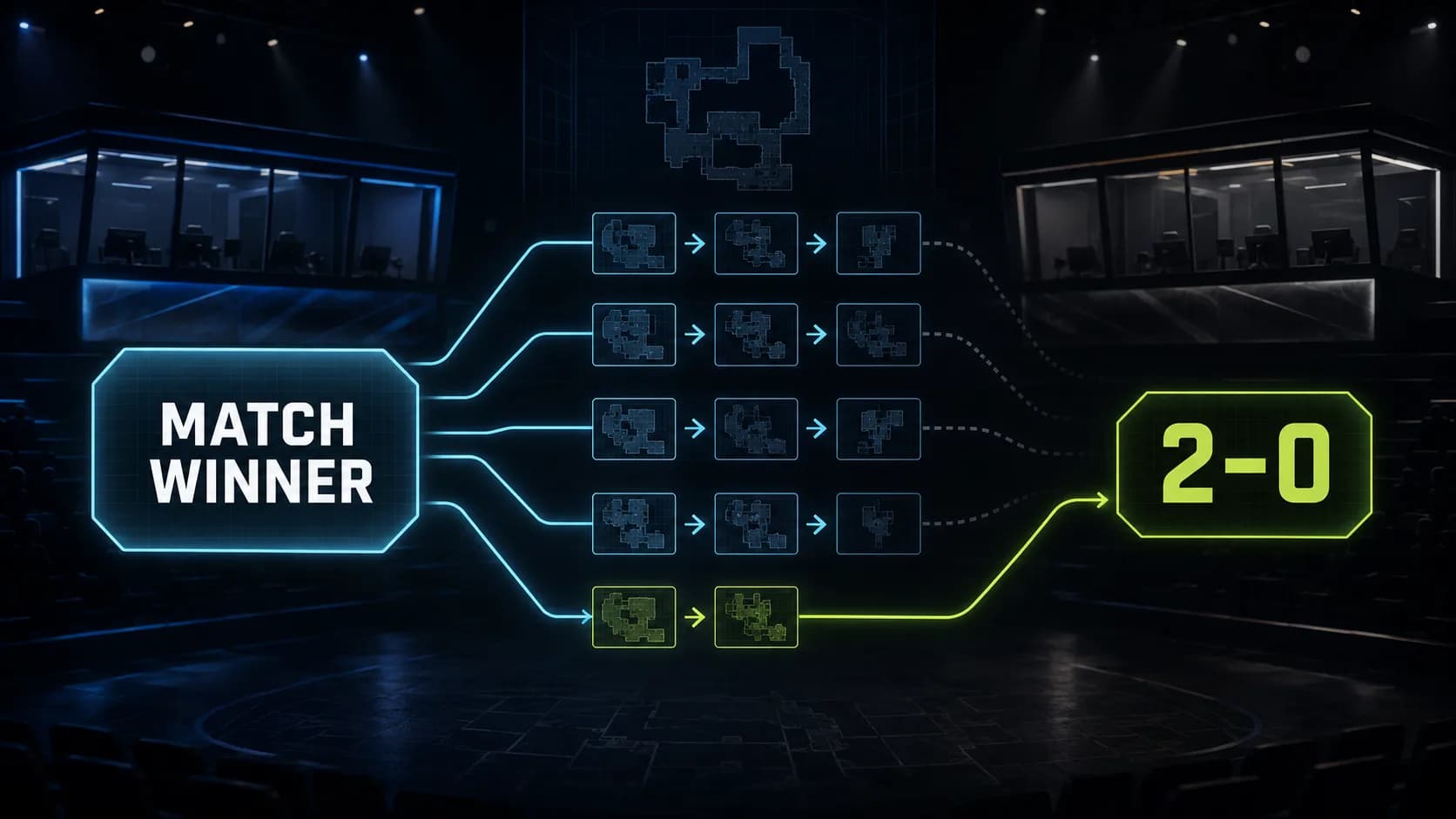
Predicting a 2–0 requires more than identifying the stronger team. Here’s why forecasting a clean sweep in a BO3 is significantly harder than simply picking the match winner.